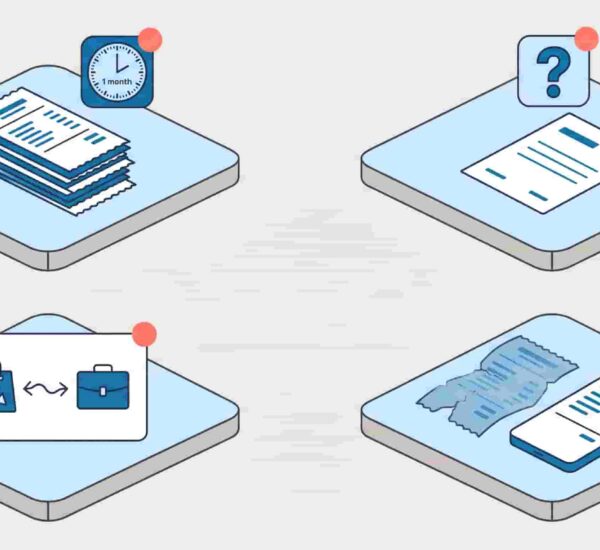
According to the Global Business Travel Association, the average expense report costs $58 to process and takes 20 minutes to complete — and 19% of them contain errors that cost another $52 each to fix. If your team submits 50 expense reports a month, that’s a $2,900 processing bill before anyone touches a spreadsheet. The good news: a clean expense report template fixes the error problem immediately. Here’s a free one you can use today, plus a guide on what to include, how to structure it, and when to stop using templates entirely.
What is an expense report template? A free expense report template is a pre-formatted document that employees use to record and submit business expenses for reimbursement. A good expense report template includes fields for the date, expense category, description, amount, payment method, receipt confirmation, and total reimbursement requested. It gives finance teams consistent data to review and approve, reduces errors caused by freeform submissions, and creates a basic audit trail for every claim.

What to include in an expense report template
A basic expense report template needs to capture enough information for your finance team to approve the claim without chasing the employee for clarification. These are the fields that belong in every expense report form, regardless of format:
Employee information
Name, department, manager, and the period covered by the report. For a monthly expense report template, this is the calendar month. For a travel expense report template, it’s the trip dates. This sounds obvious but it’s the first thing missing from homemade spreadsheets — and the first thing your auditor will ask for.
Expense line items
Each expense gets its own row. The minimum fields per line are date, category, vendor or description, amount, currency (for international teams), and whether a receipt is attached. The category field is where most ad-hoc submissions fall apart — people write “stuff for client meeting” instead of selecting “client entertainment.” A dropdown list of approved categories in your expense sheet template fixes this immediately.
Payment method
Was it paid on a personal card, a corporate card, or cash? This determines whether the employee needs reimbursement or whether the expense just needs to be logged and categorised. A business expense report template that doesn’t capture this creates reconciliation headaches at month-end.
Receipts
Note which line items have receipts attached. Most expense policies require receipts for anything over a defined threshold — typically $25. A simple Y/N column in your expense log template is enough. Missing receipts are the single most common reason expense reports get sent back.
Manager approval
A signature or approval field at the bottom of the expense report form creates the paper trail. In a digital workflow, this is an approval timestamp. In a paper or spreadsheet-based workflow, it’s a literal signature. Either way, it needs to be there.
Reimbursement total
The sum of all approved lines, in the employee’s currency. For a travel expense report template, this may include a mileage calculation at the standard rate. For an international submission, it includes the converted amount.
Free expense report template (copy and use)
Here is a clean, ready-to-use sample expense report that covers the standard categories for most small and growing teams. Copy it into Google Sheets, Excel, or Word — or use it as the basis for your own version.
[Company Name] Expense Report
Employee name: _______________ Department: _______________ Manager: _______________ Report period: _______________ Submission date: _______________
| Date | Category | Vendor / Description | Amount | Currency | Receipt? | Notes |
| Meals | Y / N | |||||
| Travel — airfare | Y / N | |||||
| Travel — hotel | Y / N | |||||
| Travel — ground transport | Y / N | |||||
| Mileage | _____ miles × $___/mile | N/A | ||||
| Client entertainment | Y / N | |||||
| Software / subscriptions | Y / N | |||||
| Office supplies | Y / N | |||||
| Other | Y / N | |||||
| Total |
Payment method: ☐ Personal card ☐ Corporate card ☐ Cash Reimbursement requested: $_______________
Employee signature: _______________ Date: _______________ Manager approval: _______________ Date: _______________ Finance processed by: _______________ Date: _______________
Receipts attached: ☐ Yes ☐ No ☐ Partial
This is a simple expense report template that works for most teams as a starting point. For a travel expense report template that includes a per diem section, add a row for daily meal allowances with the approved rate pre-filled. For an employee expense report template that covers remote work costs, add rows for internet, cell phone, and home office purchases.
For a more detailed policy framework to go alongside this template, our travel expense policy template covers reimbursable categories, spending limits, and submission deadlines in full.

Expense report categories: what to include
The categories in your expense report template should match your written expense policy exactly. If the policy says “client meals” but the template says “entertainment,” employees will choose whichever feels closest — and your data will be inconsistent. Here are the standard categories for a business expense report template:
Travel and transport
Airfare (economy class unless otherwise stated), train tickets, car hire, taxis and ride-shares, parking, tolls, and mileage for personal vehicle use. A per diem expense report template will have a separate daily travel allowance row rather than individual line items.
Accommodation
Hotel costs for approved business travel. Most company expense report templates specify a nightly cap that varies by city. If yours doesn’t, it should — see our travel expense policy template for suggested limits by region.
Meals
Either a per diem daily allowance or line-item meal receipts. A per diem approach is simpler to administer — employees don’t need to attach individual receipts within the daily limit, which dramatically reduces the back-and-forth on a basic expense report template.
Client entertainment
Client dinners, team lunches, and event costs with business purpose. This category typically requires more documentation than others — a receipt plus the names of attendees and the business reason.
Remote work stipends
For distributed teams, a monthly expense report template should include cell phone, internet, and home office costs as standard categories. These are recurring fixed amounts rather than variable claims, so they often work better as standing allowances than as per-claim reimbursements.
Software and subscriptions
Business tools purchased individually — a Figma seat, a LinkedIn Premium subscription, a domain name. These should always include the business justification in the notes field.
Common expense report mistakes to avoid
Missing receipts on submission
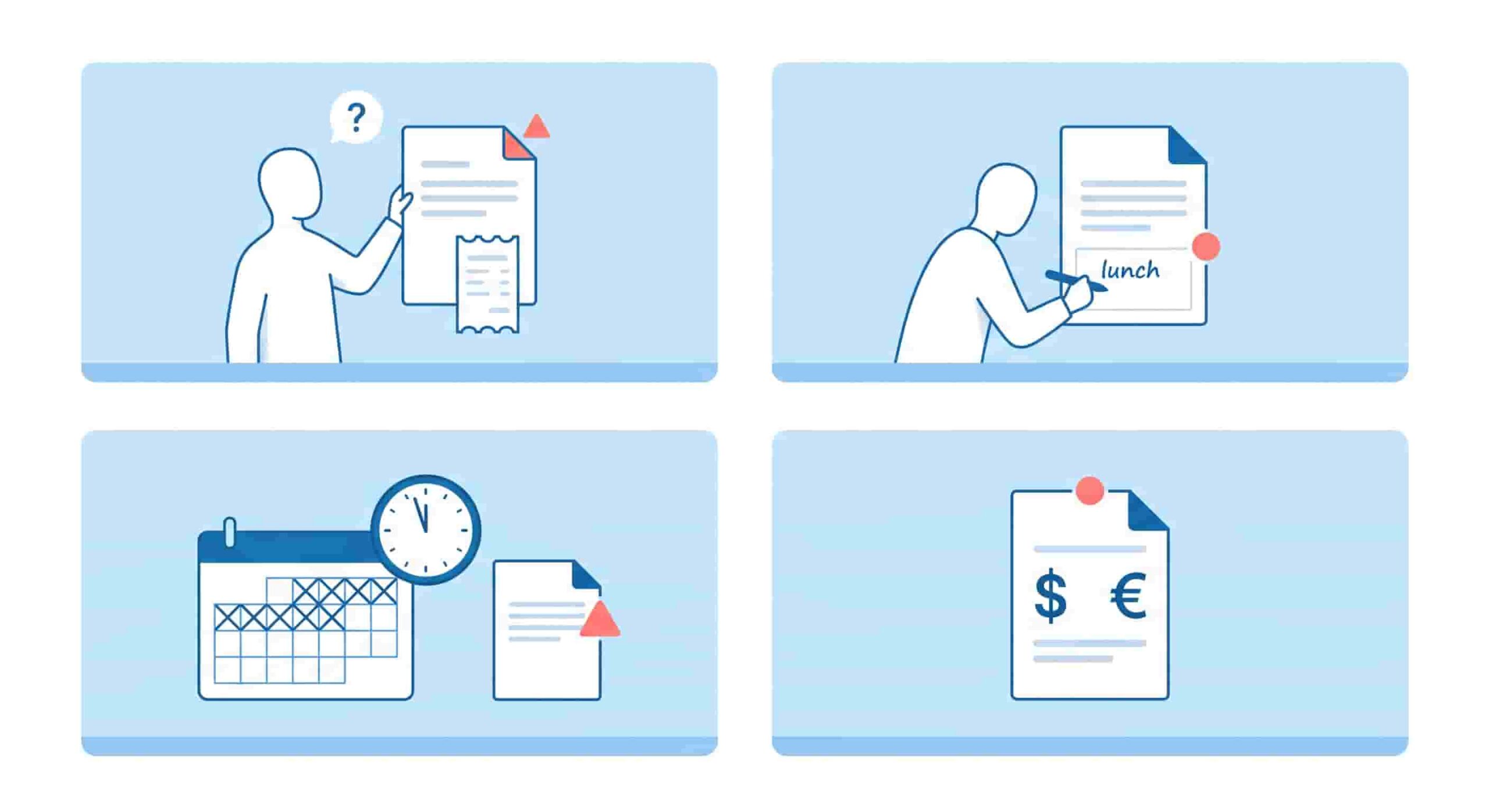
The most common reason an expense report gets sent back. Set a clear threshold in your expense report policy — receipts required for anything over $25 is standard — and make it part of the submission checklist on your expense form template. Missing receipts caught at submission are a five-second fix. Missing receipts caught at audit are a much bigger problem.
Vague descriptions in the notes field
“Lunch” is not a description. “Client lunch with [Name] re: Q3 renewal” is. Train your team to treat the description field as a one-line justification, not just a label. This is the field that matters most when a claim is questioned months later.
Submitting late
Most expense report templates include a submission deadline for a reason. Expenses submitted 60 days after the fact are harder to approve, harder to reconcile, and in some jurisdictions, treated differently for tax purposes. Set a 14-day submission window in your policy and hold it consistently.
No currency conversion for international expenses
A travel expense report template used by international or remote teams needs to handle multi-currency submissions. If your template doesn’t include a currency field and a conversion rate, you’re leaving it to your finance team to calculate manually — which is where errors happen. For teams dealing with this regularly, our post on how remote teams handle business expenses across different countries covers the full workflow.
No defined approval chain
An expense report form without a clear approval path is just a document. Define who approves what — direct manager for standard claims, finance director for anything over a threshold — and build it into the template as a signature or approval field.
When to stop using a template
An expense report template is the right starting point for a team that’s moving from no process to some process. It’s a significant improvement over “just email me the receipts.” But it has a ceiling.
When your team is submitting more than 30–40 expense reports a month, the manual process — collecting templates, chasing approvals, re-entering data into your accounting software — becomes a meaningful cost in time and errors. The GBTA data makes this concrete: at $58 per report to process manually, a 50-person team submitting two reports each per month is spending $5,800 a month on processing alone.
That’s the point where a dedicated tool pays for itself immediately. For teams running on Slack or Microsoft Teams, ExpenseTron replaces the template entirely — employees submit expenses by messaging a bot in Slack or Teams, the right approver gets notified instantly, approvals happen in one click, and everything syncs to QuickBooks or Xero automatically. No template to fill out, no email to send, no spreadsheet to reconcile at month-end.
The expense report form doesn’t disappear — it just gets filled in automatically, in the background, by the tool.
Frequently Asked Questions
What should an expense report template include?
A complete expense report template should include employee details (name, department, manager), the reporting period, a line-item table with date, category, vendor, amount, currency, and receipt confirmation, a payment method field, a reimbursement total, and an approval signature or timestamp. A business expense report template for small businesses should also include a category dropdown or list to keep submissions consistent and reduce back-and-forth during review.
What is the difference between an expense report and an expense reimbursement form?
An expense report template is a detailed record of all expenses incurred over a period — typically a week, month, or trip — with line items, categories, and totals. An expense reimbursement form is typically a simpler, single-claim document used to request reimbursement for one specific expense or a small group of related expenses. Most small business expense report templates combine both functions into a single document.
How do I create a simple expense report template for a small business?
Start with a basic table in Google Sheets, Excel, or Word with these columns: date, category, vendor or description, amount, currency, receipt attached (Y/N), and notes. Add a header section for employee name, manager, and reporting period. Add a total row at the bottom and a manager approval field. That’s a functional simple expense report template for small business use. If you want to skip the build, copy the template in this post — it covers all the standard categories and fields.
When should a small business switch from an expense report template to dedicated software?
The practical tipping point is when your team is submitting more than 30–40 expense reports per month, when you have employees in multiple countries submitting in different currencies, or when your finance team is spending more than a few hours a month on manual reconciliation. At that scale, the cost of the manual process — estimated at $58 per report by the GBTA — typically exceeds the cost of a dedicated tool. For teams on Slack or Microsoft Teams, ExpenseTronhandles submission, approval, and accounting sync natively inside the tools your team already uses — no separate dashboard, no new login.
A well-designed expense report template gets your team from chaos to consistency in one afternoon. It sets a standard for what information gets submitted, creates an approval trail, and makes month-end reconciliation something your finance team can actually complete without a search party. Use the template above as your starting point, align it with your written expense policy, and revisit it when your submission volume outgrows the manual process.
When that day comes, ExpenseTron is the natural next step — expense management that lives inside Slack and Microsoft Teams, so your team never has to open a template again.